



Notes for planning and visualizing big ideas. Stattys Notes M gives your ideas room to stretch. Use them for mapping flows, building canvases, or p...
View full detailsNotes for structure and short statements. Stattys Notes S give you just enough space for sketches, to-dos, and quick diagrams. They stick with stat...
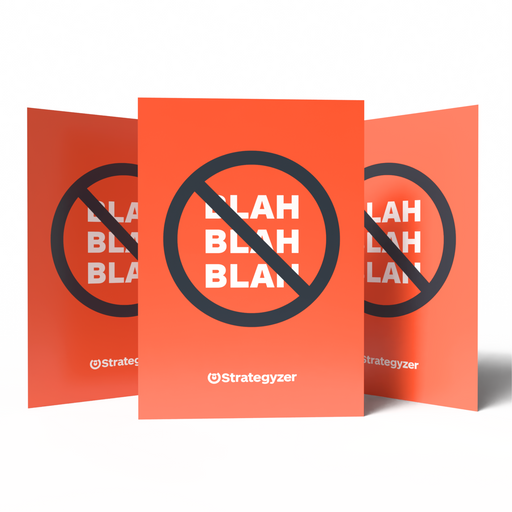
View full detailsStop blah blah and get back to business. Say goodbye to vague strategy talk. The Blah, Blah, Blah Card is a playful but clear way to flag irrelev...
View full detailsNotes for one idea at a time. Stattys Square give every idea the same amount of space. Write one thought per note, then move them into clusters, c...
View full detailsIdeas travel better with the right tools. This bundle brings together Stattys favorites. Carry it to client sessions, pack it for offsites, or keep...
View full detailsAll formats serve different purposes Not sure which size fits your session? This Discovery Set lets you explore all three Stattys Notes formats in ...
View full details


Electrostatically charged metaplan cards
These cards are intended to stick to almost any surface. We use the cards as metaplan cards during courses to stick them to the white concrete wall next to the projector. That actually always works. Sometimes you have to “reload” a card by rubbing over it. It is rather rare that a card completely fails.
Compared to Metaplan cards, the cards are thinner and have a more artificial surface (haptic like plastic film).
In terms of price, the cards are significantly more expensive, something could be optimized here. Otherwise, we are very satisfied with the tickets.
Jan M
A must have in your facilitation kit
What’s a must have in your facilitation kit or bag? A set of Stattys Notes.
Paris Thomas
Can be used anywhere!
Stattys have saved me several times during training abroad - no moderation walls, no flip charts, no moderation material. But there are always walls and the Stattys adhere wonderfully! Another advantage is that prepared flip charts can be supplemented and do not need to be redesigned every time. Stattys belongs in every trainer case.
Fadja Ehlail
Brilliant!
I love them and wish I had discovered them earlier. Great in class, for studying and for taking notes.
Michaela

Sessions rarely go to plan. A new idea comes up, the group changes direction, the agenda moves.
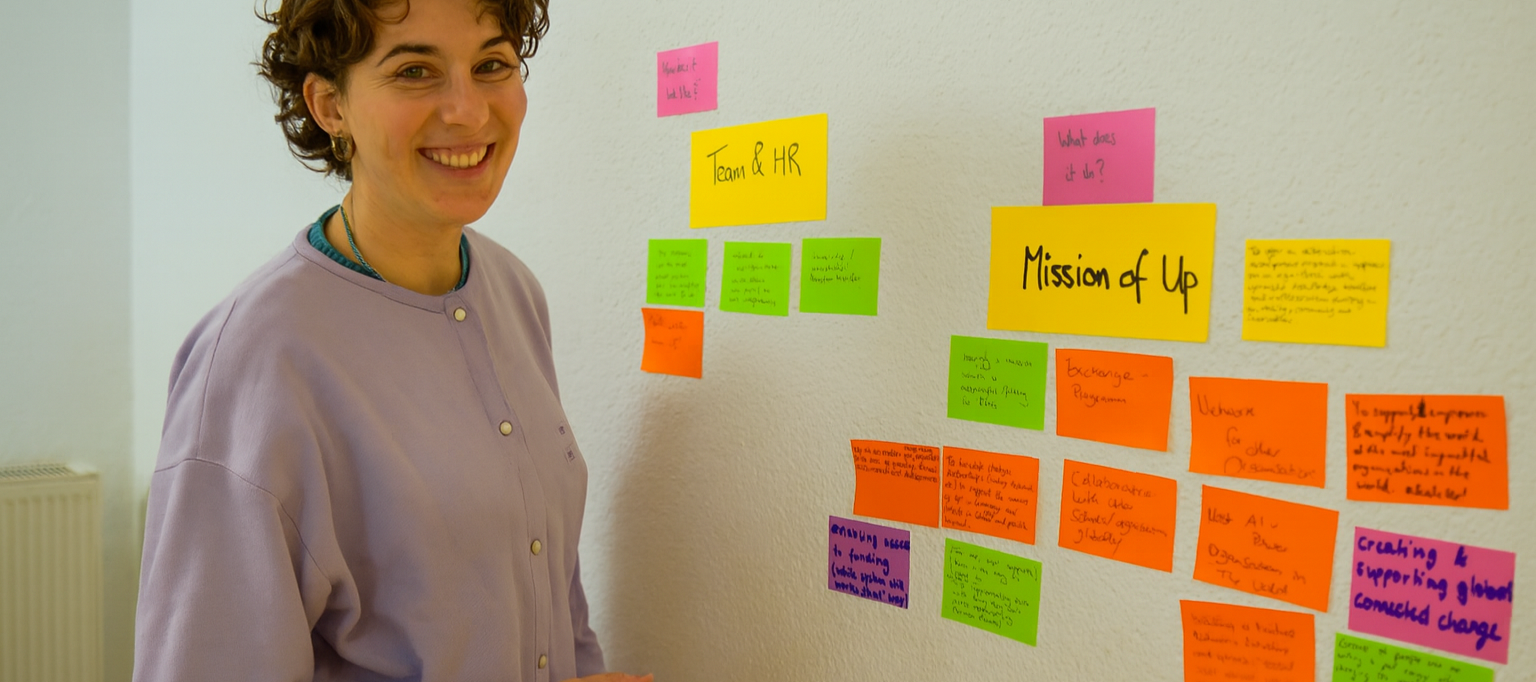
Everyone writes their ideas first, then you put them on any wall. Group them, sort them, and move them again when the talk changes. The notes stay flat and leave no marks, so you can change the plan as often as the room needs.


A session never goes exactly to plan, so your tools must be able to change too. Notes move as often as the talk changes direction. The noteboard turns any corner into a work space. Canvases and maps give the group one shared picture to work on, and picture cards help people talk about things that are hard to put into words.


Official Strategyzer canvases, printed on demand. Pick the canvas that fits your goal, hang it on the wall, and fill it in with your team using Stattys Notes.

{"one"=>"Select 2 or 3 items to compare", "other"=>"{{ count }} of 3 items selected"}


